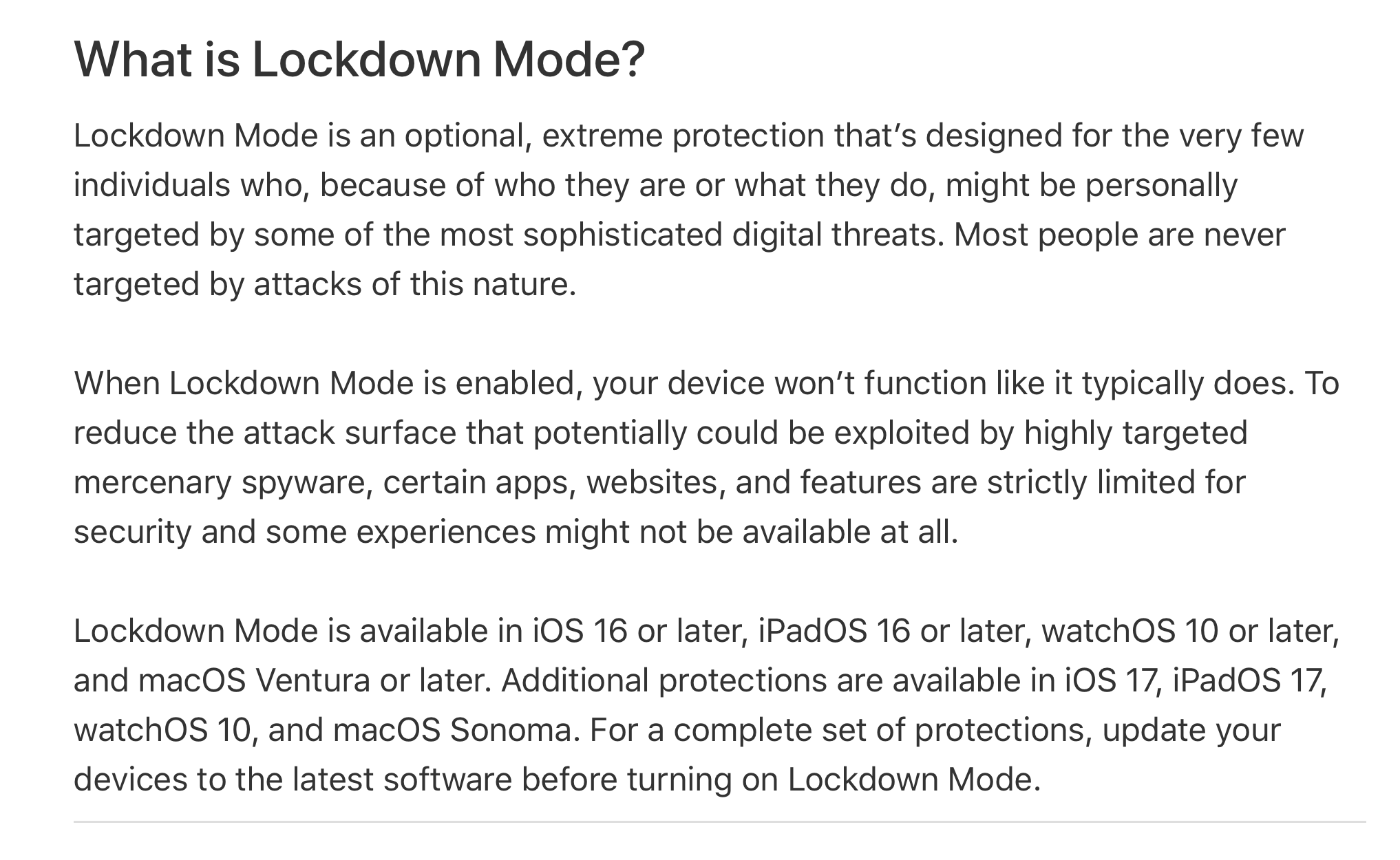
About Lockdown Mode
https://support.apple.com/en-us/HT212650
 Biometric Security
https://support.apple.com/guide/security/biometric-security-sec067eb0c9e/web
Passcodes and passwords are essential to the security of
Apple devices. At the same time, users require convenient
access to their devices, often more than a hundred times a
day. Biometric authentication provides a way to retain the
security of a strong passcode—or even strengthen the passcode
or password because it doesn’t need to be entered manually—
while providing the convenience of swiftly unlocking
with a finger press or glance.
Important: Turn this off if you might be forced to unlock
your Apple device. US Law currently protects you from having
to use or divulge your password or passcode, but there is
little protection for Face ID or Finger Print ID.
iVerify Basic
https://apps.apple.com/us/app/iverify-basic/id1466120520
iVerify Basic empowers users to take proactive measures to
safeguard their devices against a myriad of threats. Users
can scan their devices with a tap to detect vulnerabilities
and stay proactive against threats.
Private Relay (Privacy when Browsing with Safari)
https://support.apple.com/en-us/102602
iCloud Private Relay is designed to protect your privacy by
ensuring that when you browse the web in Safari, no single
party — not even Apple — can see both who you are and what
sites you're visiting.
sam.wormley@icloud.com
Biometric Security
https://support.apple.com/guide/security/biometric-security-sec067eb0c9e/web
Passcodes and passwords are essential to the security of
Apple devices. At the same time, users require convenient
access to their devices, often more than a hundred times a
day. Biometric authentication provides a way to retain the
security of a strong passcode—or even strengthen the passcode
or password because it doesn’t need to be entered manually—
while providing the convenience of swiftly unlocking
with a finger press or glance.
Important: Turn this off if you might be forced to unlock
your Apple device. US Law currently protects you from having
to use or divulge your password or passcode, but there is
little protection for Face ID or Finger Print ID.
iVerify Basic
https://apps.apple.com/us/app/iverify-basic/id1466120520
iVerify Basic empowers users to take proactive measures to
safeguard their devices against a myriad of threats. Users
can scan their devices with a tap to detect vulnerabilities
and stay proactive against threats.
Private Relay (Privacy when Browsing with Safari)
https://support.apple.com/en-us/102602
iCloud Private Relay is designed to protect your privacy by
ensuring that when you browse the web in Safari, no single
party — not even Apple — can see both who you are and what
sites you're visiting.
sam.wormley@icloud.com